OneDrive documents, linked to your orders and accounts.
Your files stay in OneDrive. Dika Ops links them to the customer, order, supplier or project they belong to, and saves generated documents back to folders you choose.
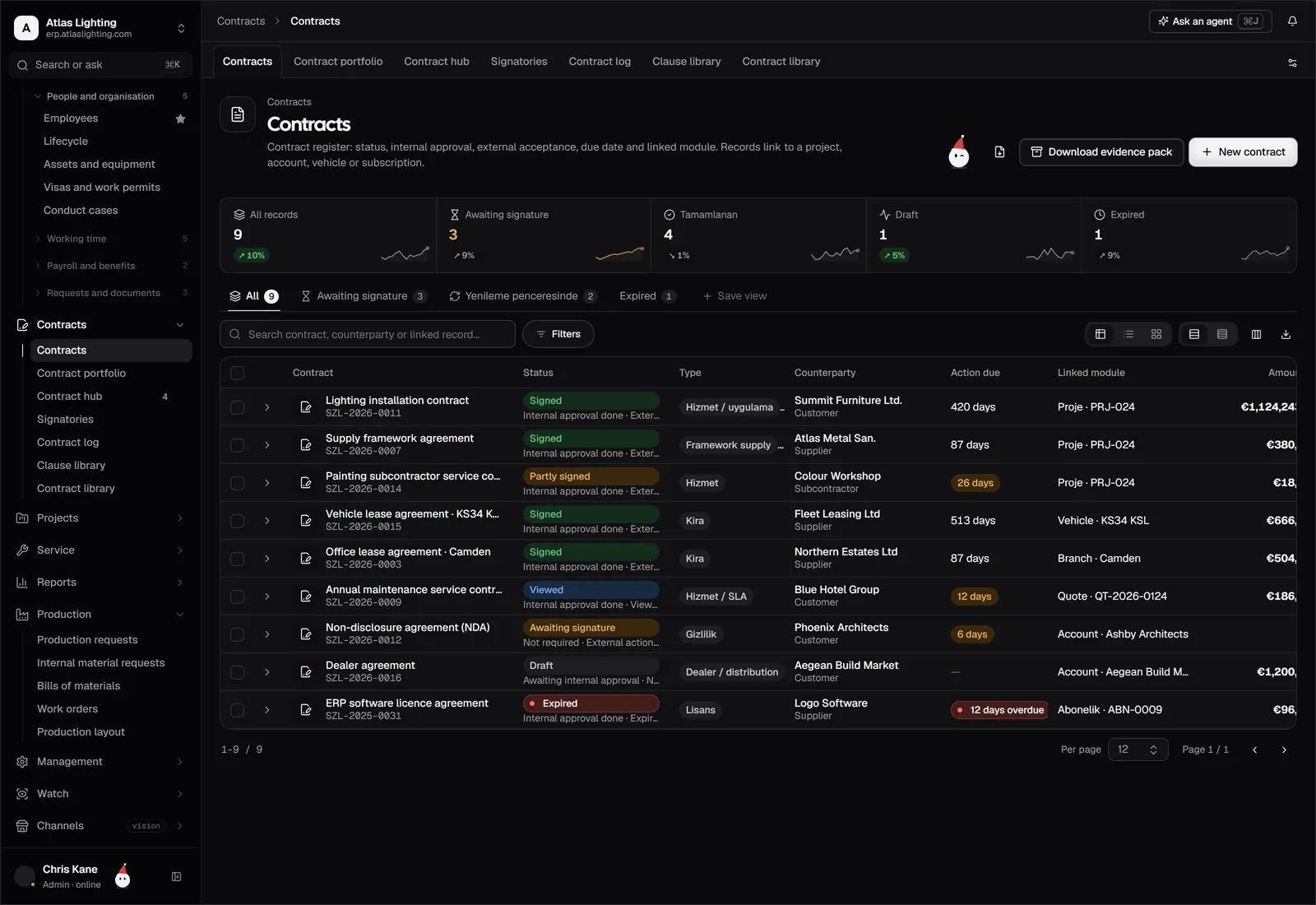
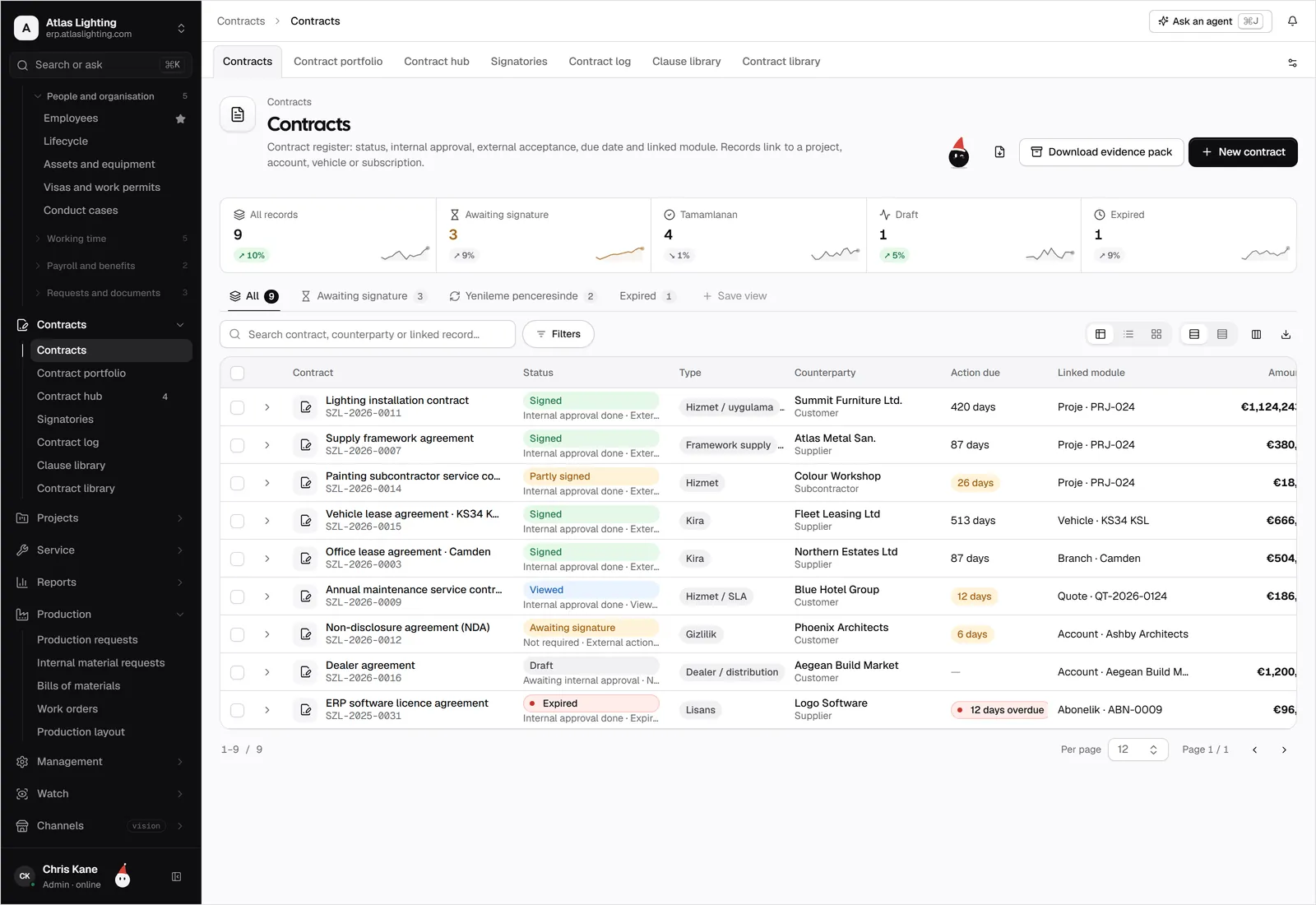
OneDrive and Dika Ops, kept in step.
Link invoices, contracts and drawings in OneDrive to customers, orders and projects.
What teams use it for.
Open a customer and find the contract, invoices and delivery notes without searching folders.
Teams that live in Word and Excel keep working there while Dika Ops handles the links.
Link to the current file rather than sending copies by email.
Connected in four steps.
- 01
Sign in with your Microsoft 365 account and approve file access; your administrator may need to consent first.
- 02
Choose a root folder for Dika Ops documents, or connect existing folders.
- 03
Set a folder template for customers, suppliers and projects.
- 04
Attach a file to a test record and check that another user can open it.
OneDrive, answered.
Are files moved out of OneDrive?
No. They stay where they are and Dika Ops stores the link. Generated documents can be saved into OneDrive.
Does it work with SharePoint libraries?
The first release focuses on OneDrive. SharePoint document libraries may follow, but they are not promised for the beta.
Is this an official Microsoft integration?
No. It is an early-access connection built on access you grant, with no Microsoft partnership or certification.
Can AI coworkers use these files?
Only the folders and records they have been given permission for, and anything important still goes to a person for approval.
OneDrive is a trademark of its owner. Dika Ops is not affiliated with or endorsed by its owner.
Run the whole company from one place.
Dika Ops is in closed beta. We onboard a few companies at a time and set everything up with you.