One product record, two products working on it.
Dika Studio writes the content, images and translations that open new markets. Dika Ops holds the product, the stock and the orders those markets create. The integration keeps both on the same record, so nothing is copied by hand.
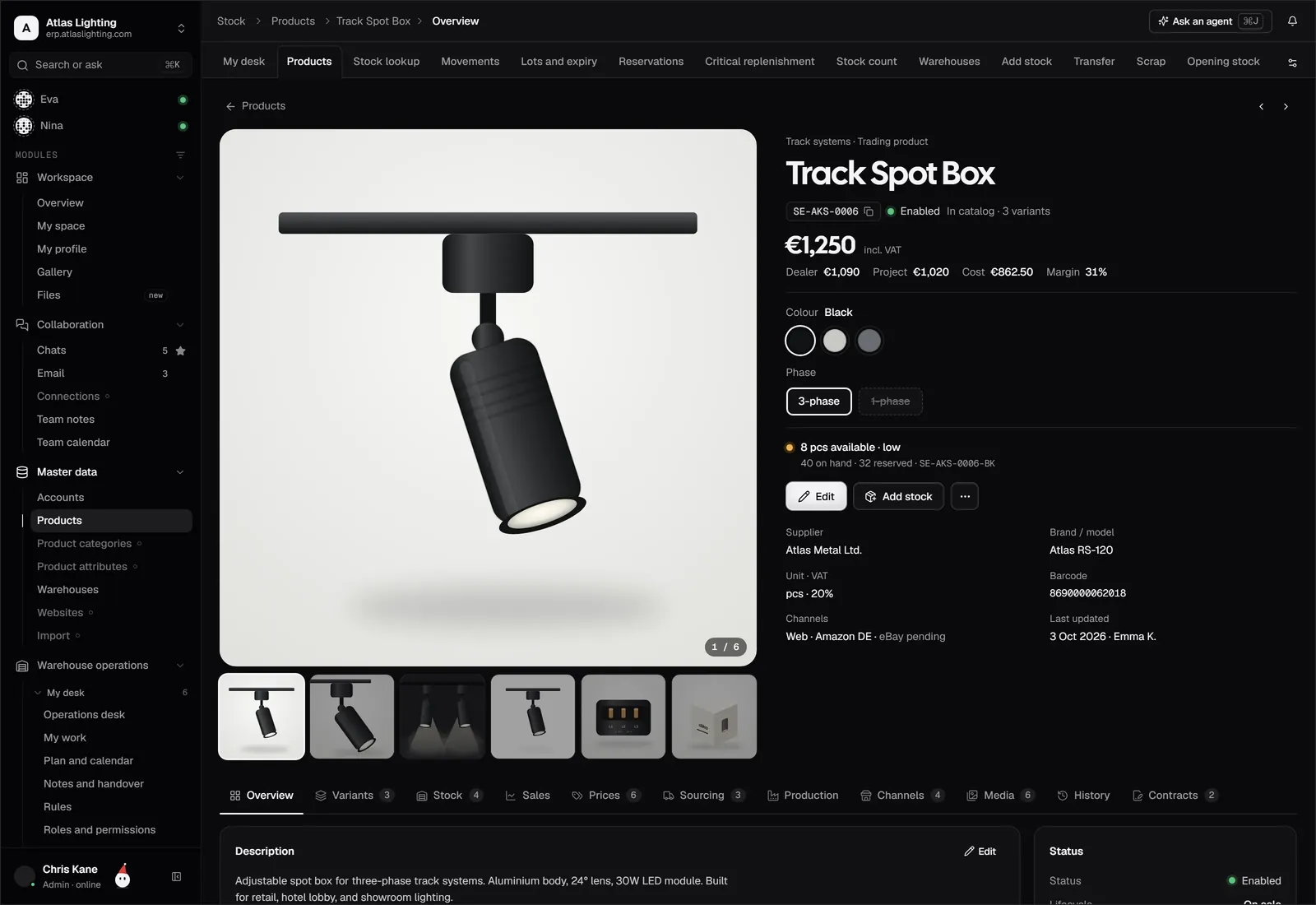
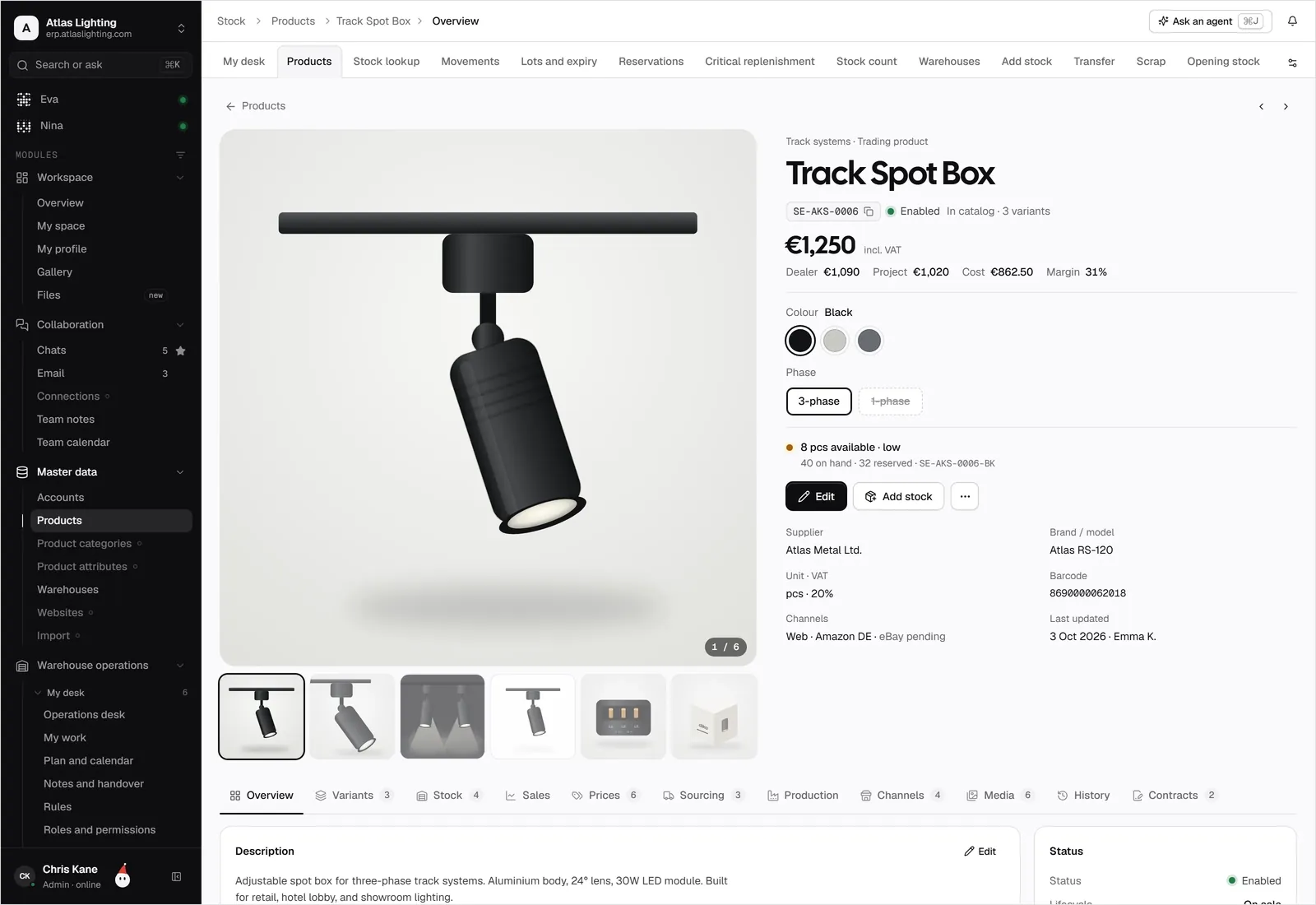
Dika Studio and Dika Ops, kept in step.
Content and channels in Studio, orders and stock in Ops, on one product record.
What teams use it for.
Pick products in Ops, let Studio localize them, and start taking orders in a new country.
The same product record feeds your shop, your marketplaces and your B2B portal.
Campaign and channel results sit next to margin and stock, so you know what to push.
Connected in four steps.
- 01
Sign in to Dika Studio with the same company account you use for Dika Ops.
- 02
Choose which product groups, price lists and warehouses Studio can read.
- 03
Decide which fields Studio may write back: descriptions, translations, images, or all three.
- 04
Publish a first product, check it on the channel, then turn on sync for the rest.
Dika Studio, answered.
Do I need both products?
No. Dika Ops and Dika Studio work on their own. Connected, they share one product record and skip the copy and paste between content and operations.
Who owns the product data?
Ops is the master for codes, prices and stock. Studio is the master for content and media. You can change this per field.
Is Dika Studio available now?
Yes. Dika Studio is live at dika.studio. The connection to Dika Ops is in early access while Ops is in closed beta.
Does Studio see my costs and margins?
Only if you allow it. Studio reads what its scope allows, under the same permission model your team uses.
Run the whole company from one place.
Dika Ops is in closed beta. We onboard a few companies at a time and set everything up with you.