Hire AI coworkers for any role.
Buyers, receptionists, chat agents, SEO writers, image designers. You define the role, the scope, and the limits. They do the routine work inside Dika Ops and ask a person when it matters.
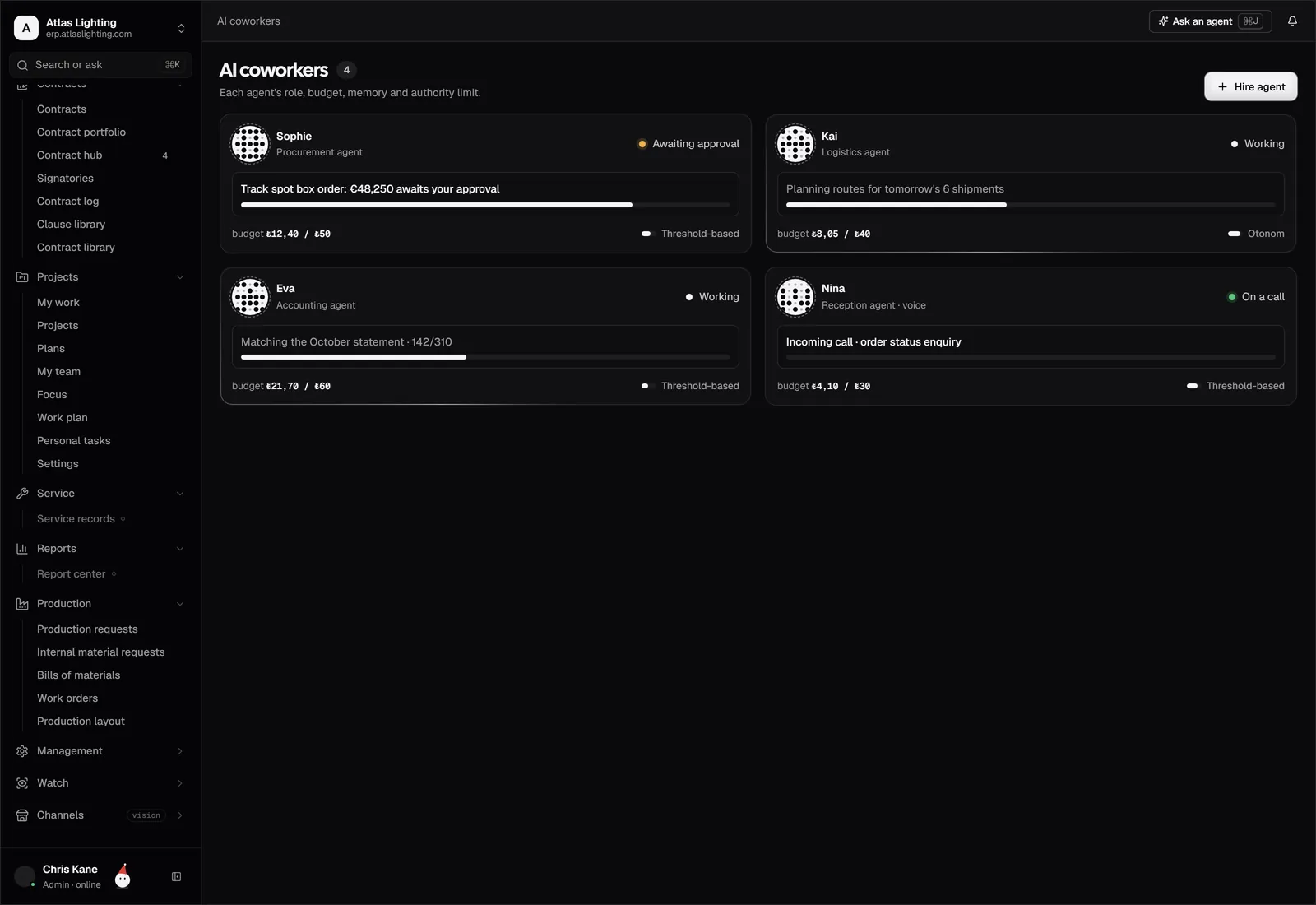
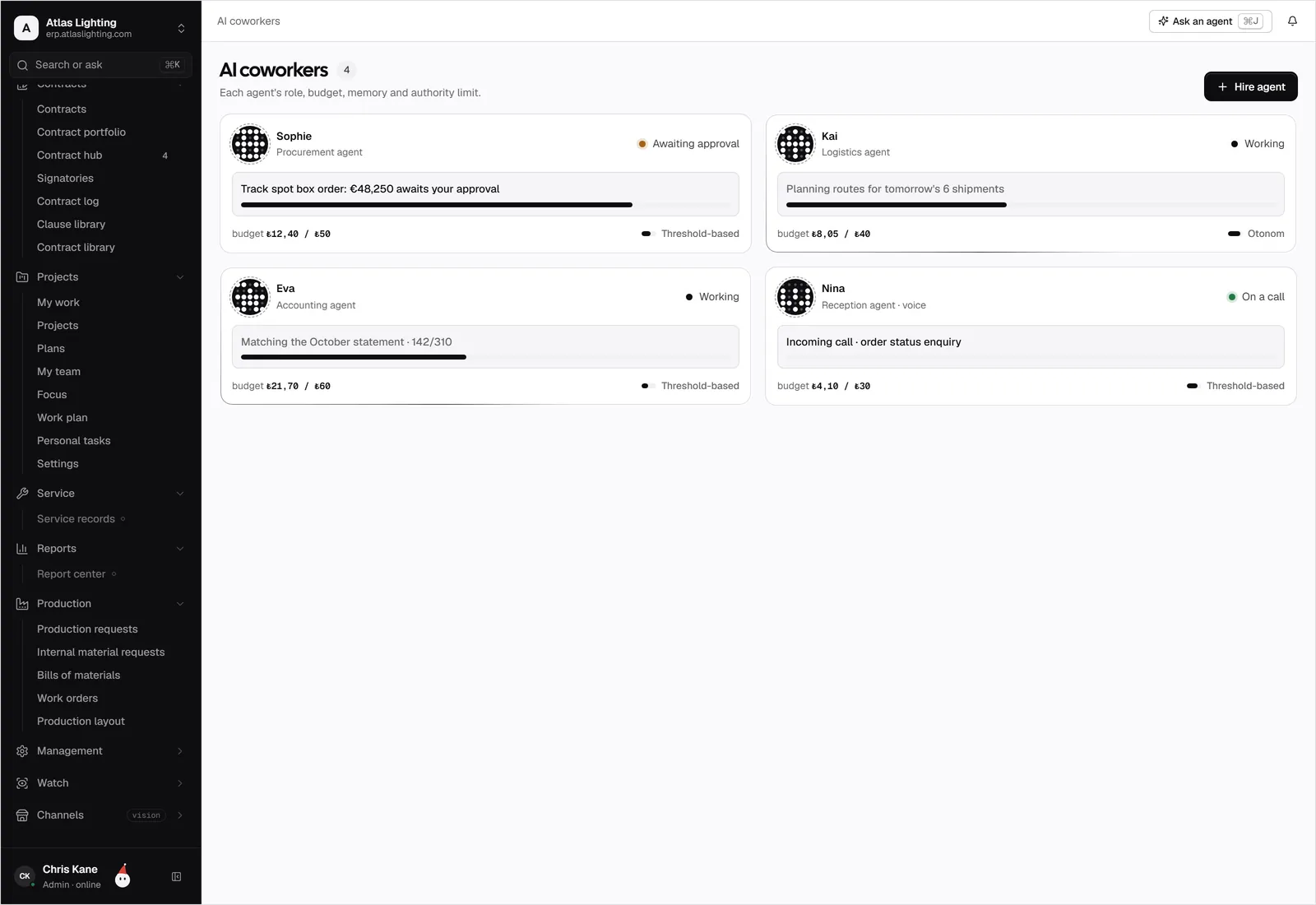
They work where your team works.
A warehouse coworker spots the shortage, the buyer collects quotes, finance checks the budget, and you approve on your phone.
Aluminium profile is down to 40 m (minimum 120 m). I opened a purchase request.
PR-2026-0184I collected 3 supplier quotes. Best offer: Atlas Metal, €68,400, delivery in 3 days.
MemoryAtlas Metal was on time in the last 6 deliveriesBudget is fine. It is above the €50,000 limit, so I sent it to Emma for approval.
Approved. The order is with Atlas Metal, delivery on 15 October.
PO-2026-0152Purchase approval
Hire the coworker you actually need.
There is no fixed list. Describe the job, pick where it works, what it may touch, and how much it may spend. Your AI coworker starts as a draft and does nothing until you switch it on.
- Write the role in plain words
- Choose channels: chat, email, phone, portal
- Set budgets, limits, and who it reports to
- Start from a template or from scratch
The strictest permissions in the building.
AI coworkers use the same permission system as your team, enforced in the database. Each one sees only its scope, every limit is checked on every action, and money always needs a person.
- Record-level scopes, not just screens
- Amount, risk, and action limits
- Maker-checker on postings and payments
- Pause any coworker instantly
| Action | Allowed | Limit |
|---|---|---|
| Read orders, stock, prices | Yes | Always |
| Draft a purchase order | Yes | Up to €10,000 |
| Send an order to a supplier | With approval | Needs Emma |
| Approve a payment | No | Never |
| Change supplier bank details | No | Never · two people |
| See salaries | No | Hidden by scope |
Every call answered, in any language.
A voice coworker answers your phone, finds the order, gives the delivery time, and books the callback. Calls are summarised on the customer record.
- Answers with live order and stock data
- Speaks the caller's language
- Hands over to a person with context
- Call summaries on the record
A sales desk on your site, portal, and WhatsApp.
Customers ask about stock, prices, and delivery. The chat coworker answers with their own prices, drafts the quote, and passes it to the sales rep.
- Customer-specific prices and stock
- Quotes drafted for the rep to approve
- Website, customer portal, and WhatsApp
- Every chat saved on the customer
Product pages that get found.
The SEO coworker writes titles, descriptions, and alt text for every product in every language, tracks rankings, and fixes what slips.
- Titles and meta for every product
- Keywords and rankings per market
- Alt text and internal links
- Six languages and counting
| Keyword | Rank | Change | Fit |
|---|---|---|---|
| track spot light black | #3 | +5 | |
| 3 phase track spotlight | #5 | +8 | |
| shop lighting spots | #11 | +14 | |
| showroom track lighting | #7 | +3 |
One photo in. A full listing out.
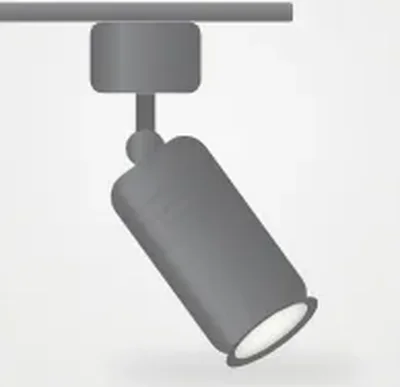
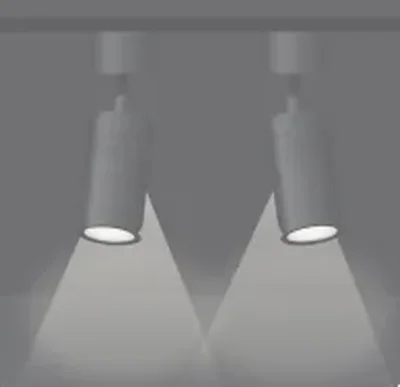
Give it one product photo. The image coworker creates packshots, close-ups, lifestyle scenes, and spec cards in every format your channels need.
- Packshots and lifestyle scenes
- Spec cards and banners
- Every channel's size and format
- Saved to the product's media
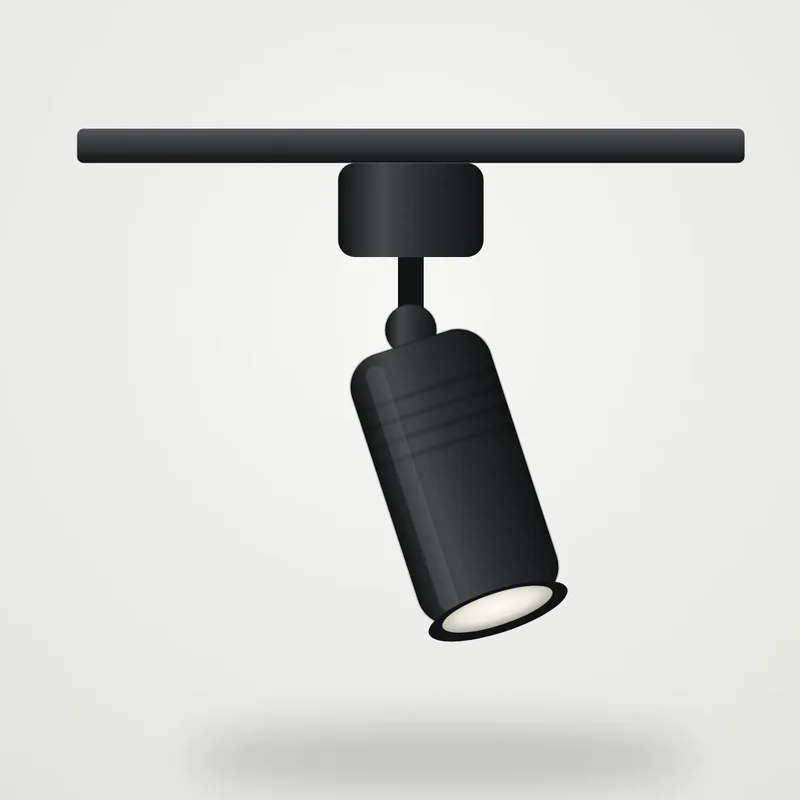
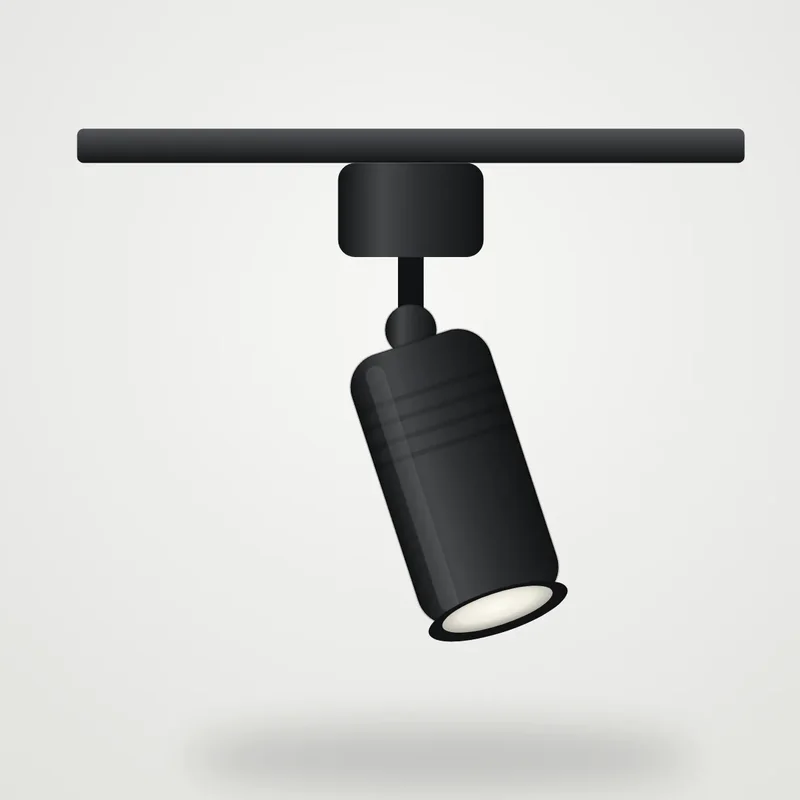 source · 1 photo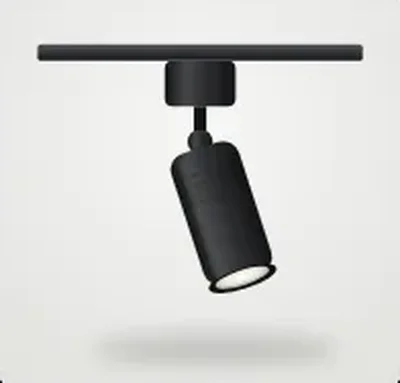

Paper in. Clean data out.
Invoices, delivery notes, and receipts are read, matched to the order and the goods receipt, and prepared for posting.
- Reads PDFs, scans, and photos
- Three-way match with order and receipt
- Flags differences before posting
- A person approves the posting
- Supplier
- Atlas Metal Ltd. 99%
- Invoice no.
- AM-2026-1187 99%
- Date
- 6 Oct 2026 98%
- Net
- €15,333.33 97%
- VAT 20%
- €3,066.67 97%
- Total
- €18,400.00 99%
- Matches
- PO-2026-0152 · GRN-2026-0311 95%
Numbers that explain themselves.
The analyst coworker watches margins, cash, and stock, and tells you why a number moved, with links to the records behind it.
- Anomalies explained in plain words
- Weekly summaries for each role
- Links to the source records
- Answers questions about your data
Coworkers that follow the process.
Put AI steps inside your workflows: when an order comes in, check credit, ask for approval, write the email, and book the shipment.
- AI steps inside any workflow
- Approvals built into the flow
- Dika Studio writes along the way
- Every step on the audit log
Start from a template. Or write your own.
A few of the roles teams create first. Every one runs under your permissions and limits.
Trusted like a colleague. Checked like a system.
AI, answered.
How many AI coworkers can we have?
As many as you need. You create each role yourself, from a template or from scratch, and switch it on when you are ready.
Can an AI coworker spend money on its own?
Only inside the limits you set. Above a limit, or for sensitive actions like changing bank details, a person must approve.
What can an AI coworker see?
Only its scope. Permissions are enforced in the database, so a coworker for Plant 2 never sees Plant 1, and salaries stay hidden unless you allow them.
Which channels can they work in?
Team chat, email, phone calls, your website, the customer portal, and WhatsApp.
Where do images and SEO come from?
From Dika Studio, which works inside Dika Ops on the same product records.
What if it makes a mistake?
Every action is logged and reversible by design: stock and accounting are corrected with reversal entries, never by deleting history.
Give your team a team.
Dika Ops is in closed beta. We onboard a few companies at a time and set everything up with you.