Google Calendar, in sync with your operations.
Dika Ops shows deliveries, service visits and leave on your team's Google Calendar, and reads meetings back, so nobody has to check two places to know what is planned.
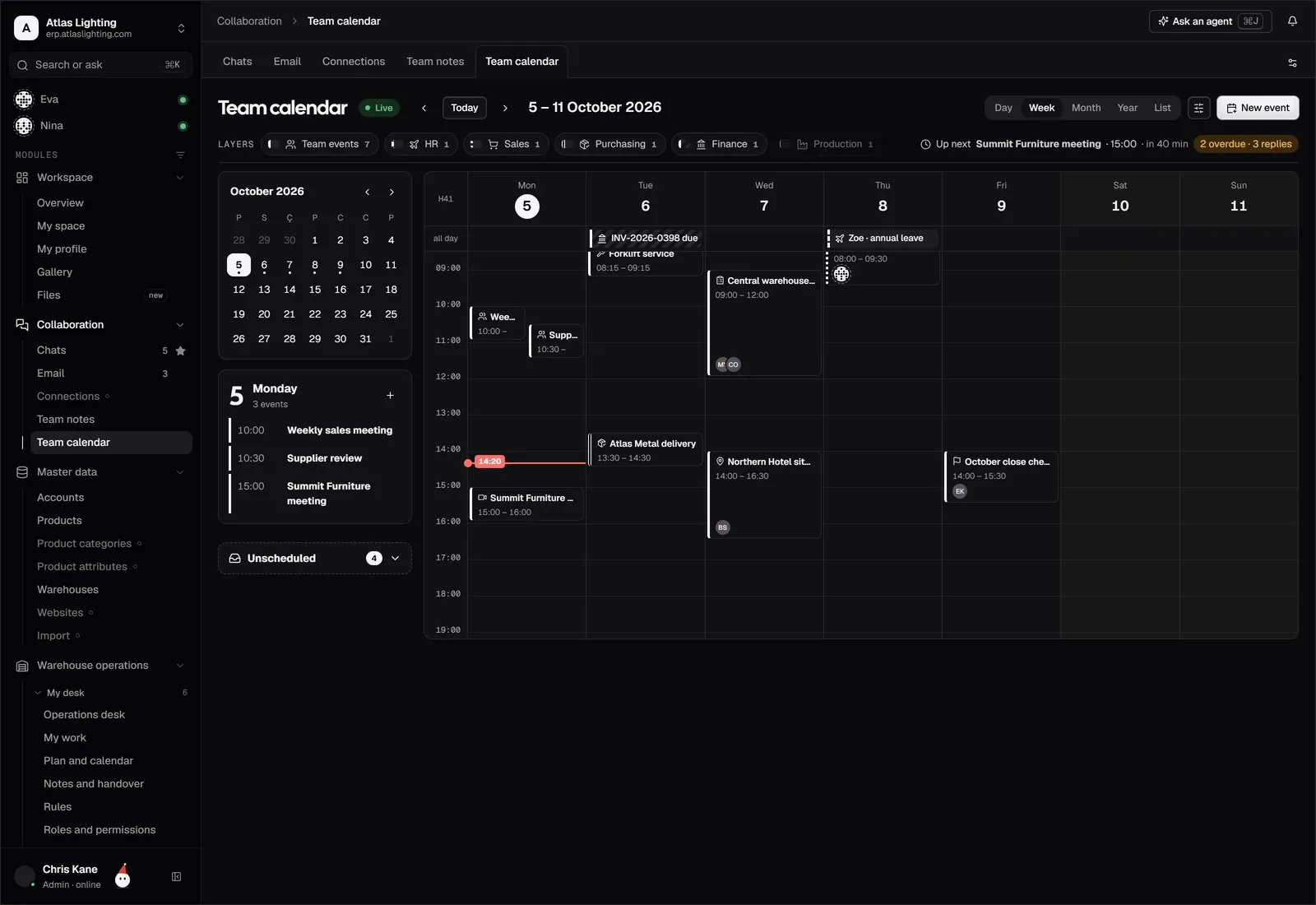
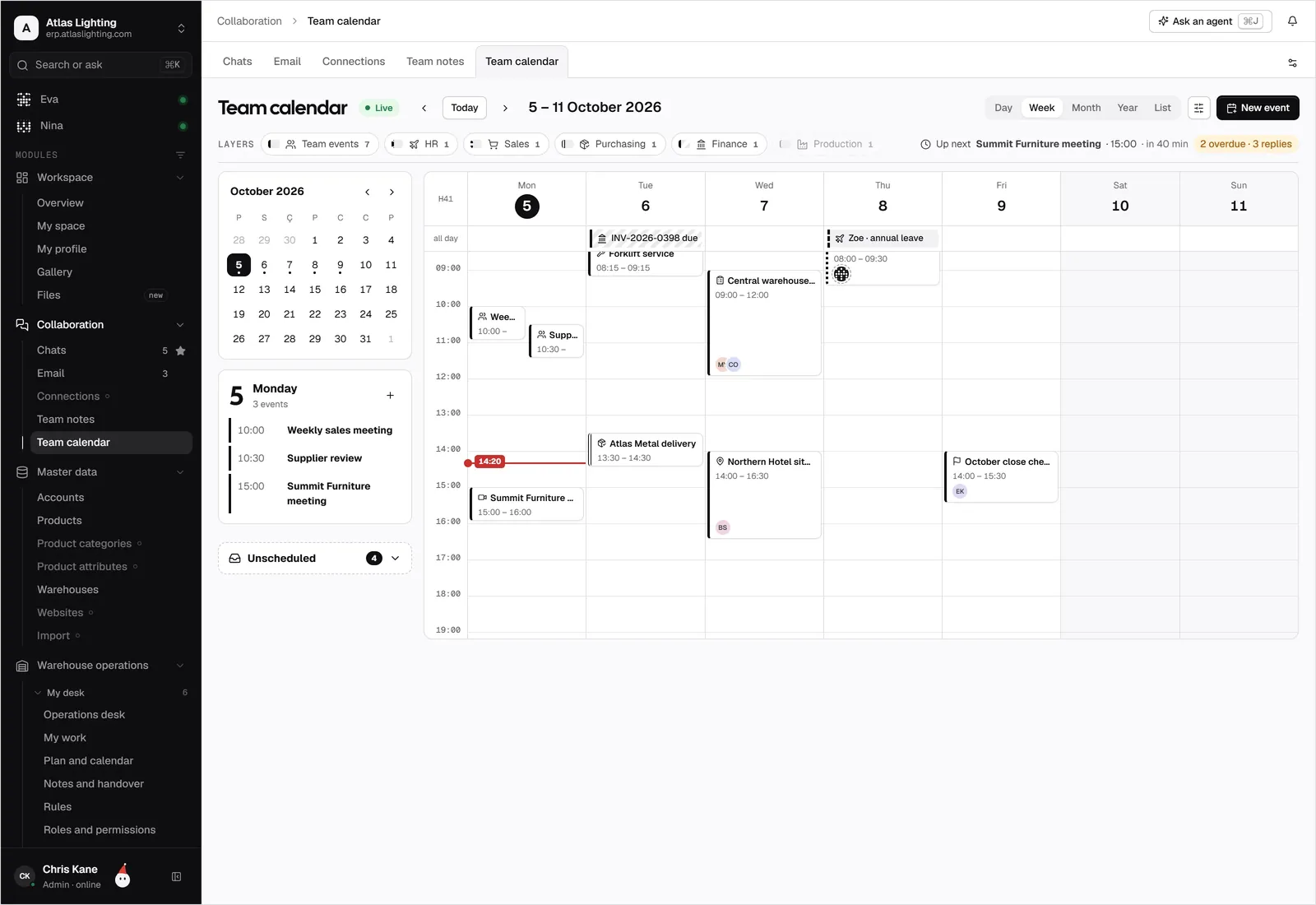
Google Calendar and Dika Ops, kept in step.
Keep deliveries, meetings, leave and service visits on the calendars your team already uses.
What teams use it for.
Assign a service job and the technician sees it on their phone calendar straight away.
Warehouse and sales see the same delivery schedule without a shared spreadsheet.
Approved leave blocks the calendar, so no one books a visit for someone who is away.
Connected in four steps.
- 01
Sign in with your Google account from the integrations page and approve calendar access.
- 02
Choose which calendars to read and which one Dika Ops writes to.
- 03
Pick the event types to share: deliveries, visits, leave, meetings.
- 04
Create a test event in each direction and confirm it appears.
Google Calendar, answered.
Does Dika Ops see private events?
You choose which calendars are connected. For events marked private, only busy and free time is used.
Does it work with shared team calendars?
Yes, as long as your Google account has permission to read and write them.
Is this an official Google integration?
No. It is an early-access connection that uses access you grant from your own Google account. It carries no Google endorsement.
Can I turn off one direction?
Yes. You can send events out only, read events in only, or sync both ways.
Google Calendar is a trademark of its owner. Dika Ops is not affiliated with or endorsed by its owner.
Run the whole company from one place.
Dika Ops is in closed beta. We onboard a few companies at a time and set everything up with you.