Your WordPress site, wired into sales.
Show a product catalogue on your own site and let visitors ask for a quote. Dika Ops turns every form submission into a lead or quote request that your team can act on the same day.

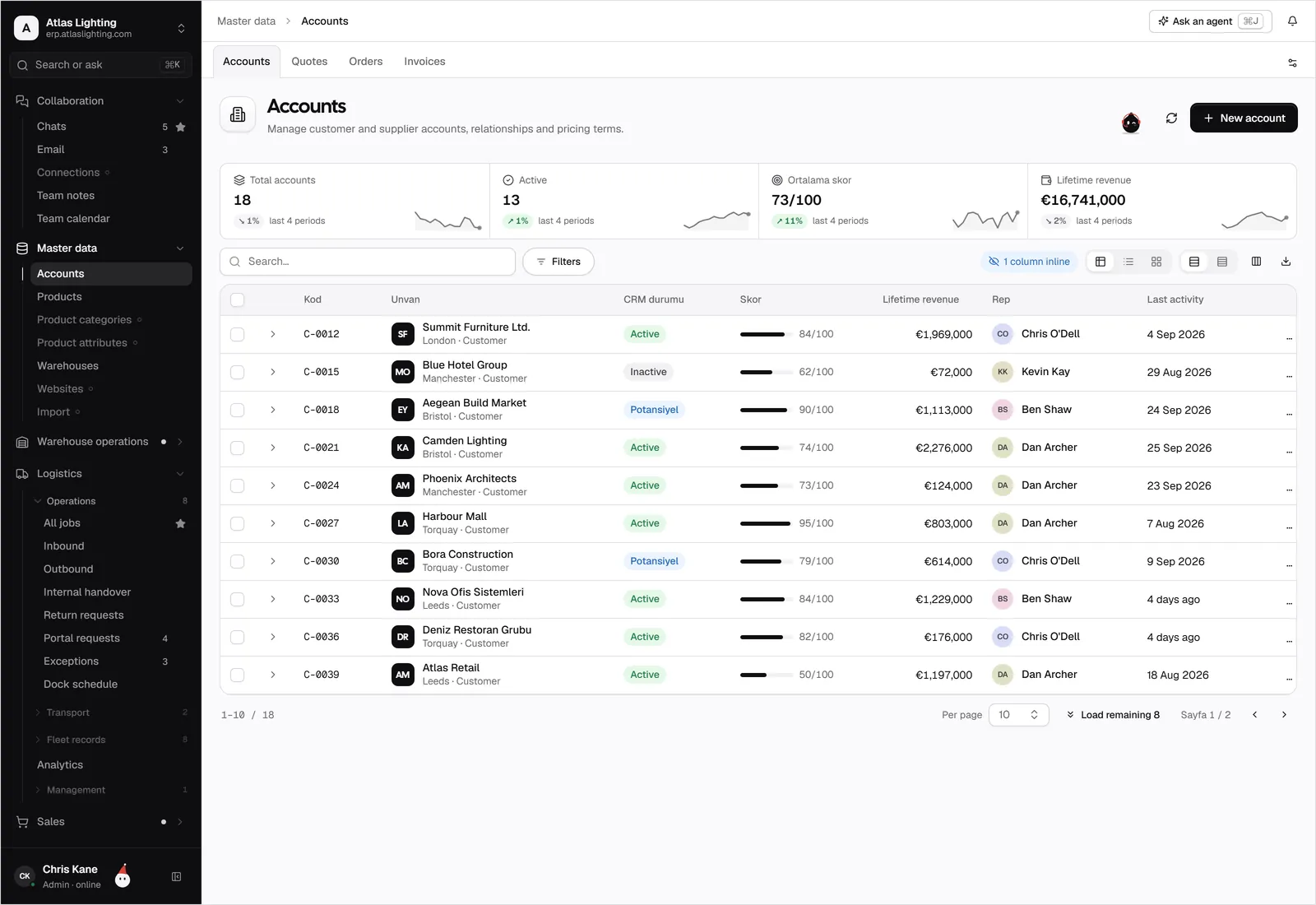
WordPress and Dika Ops, kept in step.
Turn your WordPress site into a catalogue and a lead source for your sales team.
What teams use it for.
List what you sell and let trade customers request prices instead of paying online.
No more form emails lost in a shared inbox. Each request has an owner and a follow-up date.
A request arrives with the products already selected, so a quote is a few clicks from ready.
Connected in four steps.
- 01
Install the Dika Ops connector on your WordPress site, or add the embed code to a page.
- 02
Choose which product groups to publish and which fields to show.
- 03
Place the quote request and contact forms on the pages you want.
- 04
Send a test request and check that it appears in the CRM before you announce it.
WordPress, answered.
Is this the same as the WooCommerce integration?
No. WooCommerce is for selling online with a cart and checkout. This integration is for catalogues, quote requests and lead forms on any WordPress site.
Do I need a developer?
For a standard site, an administrator can add the connector and place forms using the page editor. Custom layouts may need a developer.
Can the AI coworkers handle incoming requests?
An AI coworker can draft a reply or a quote for a new request. A person approves it before anything is sent to the customer.
Is this an official WordPress plugin?
No. It is an early-access connector and is not listed in the WordPress plugin directory.
WordPress is a trademark of its owner. Dika Ops is not affiliated with or endorsed by its owner.
Run the whole company from one place.
Dika Ops is in closed beta. We onboard a few companies at a time and set everything up with you.