Footage you already have, made new again.
Runway generates and edits video. Change the background, light or season of footage you already shot, or make new clips that keep the product consistent. Videos and images are saved to the product record in Dika Ops and can be used by Dika Studio.
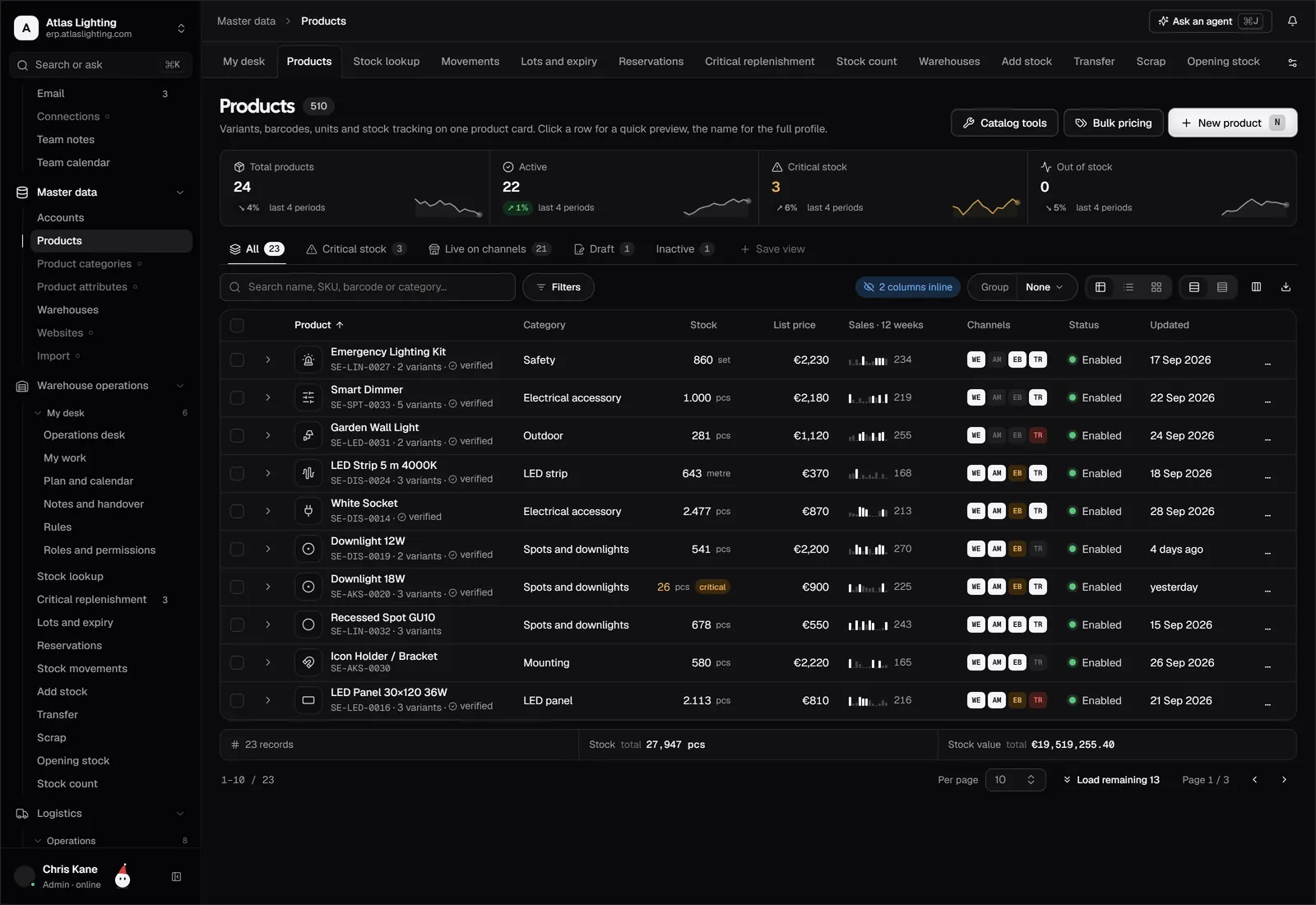
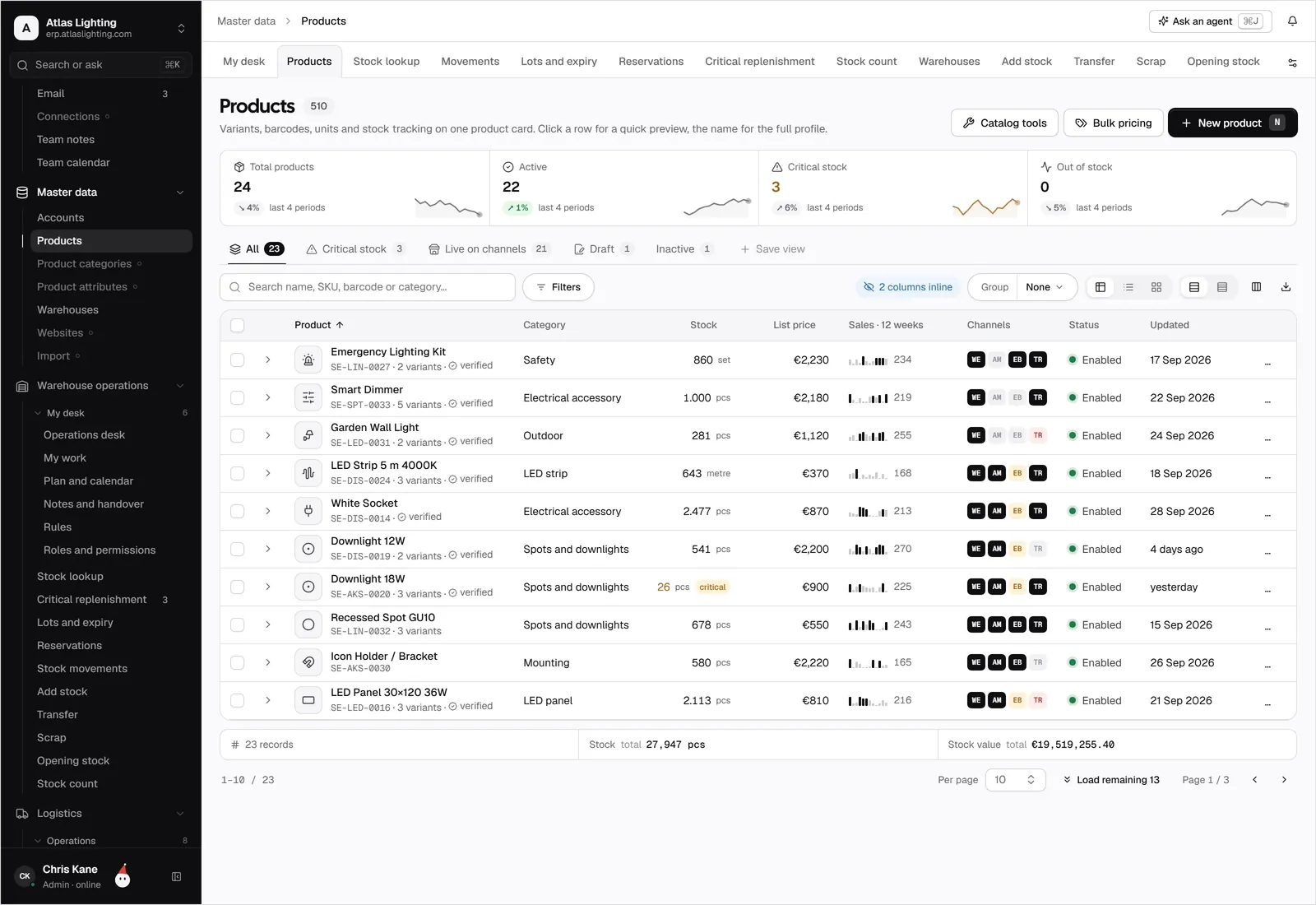
Runway and Dika Ops, kept in step.
Generate and edit product video, keeping the product the same from shot to shot.
What teams use it for.
Give last year's product video a new setting instead of filming again.
Make clips for a product line that match in style and framing.
Turn one video into versions for the shop, marketplaces and social.
Connected in four steps.
- 01
Use the Runway models included with your plan, or add your own Runway API key.
- 02
Assign video editing and generation to the content coworker.
- 03
Set monthly limits and who approves media.
- 04
Edit one existing clip and make one new one, review both, then roll out.
Runway, answered.
Is Dika Ops an official Runway partner?
No. The Runway integration is in early access. It uses the Runway API through a key managed by Dika Ops or your own key.
Which Runway models are available?
The Gen-4 family for video and images, and Aleph for editing existing video. The list follows what Runway releases.
What data is sent?
Only the footage and reference images you choose for the task. Prices, stock and customer data are not sent.
Do I need to own the footage I edit?
Yes. Edit only footage you have the rights to use, and check each result before approving.
Runway is a trademark of its owner. Dika Ops is not affiliated with or endorsed by its owner.
Run the whole company from one place.
Dika Ops is in closed beta. We onboard a few companies at a time and set everything up with you.