Warehouse Management System: Do You Need One?
A warehouse management system (WMS) controls receiving, storage, picking and shipping. See what it does, when you need one and how to choose for a small business.
A warehouse management system (WMS) is software that controls what happens inside your warehouse: receiving goods, putting them away, picking orders, packing and shipping, all tracked to a specific location. You need one when staff spend more time searching for stock than moving it, or when mistakes in picking and counting start costing you customers.
This guide explains what a WMS does, how it differs from basic stock control, and how to decide whether your business is ready for one.
What a warehouse management system does
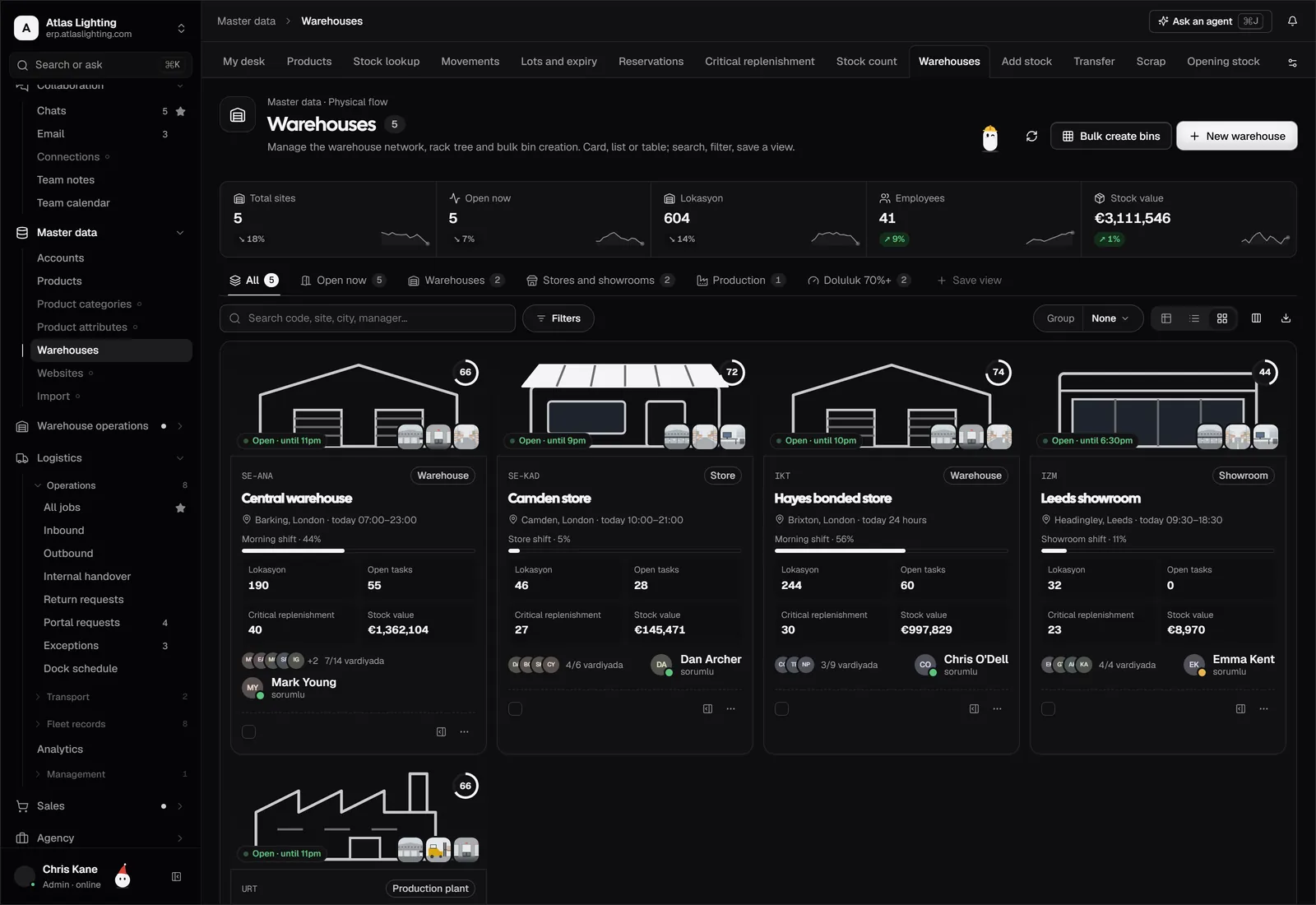
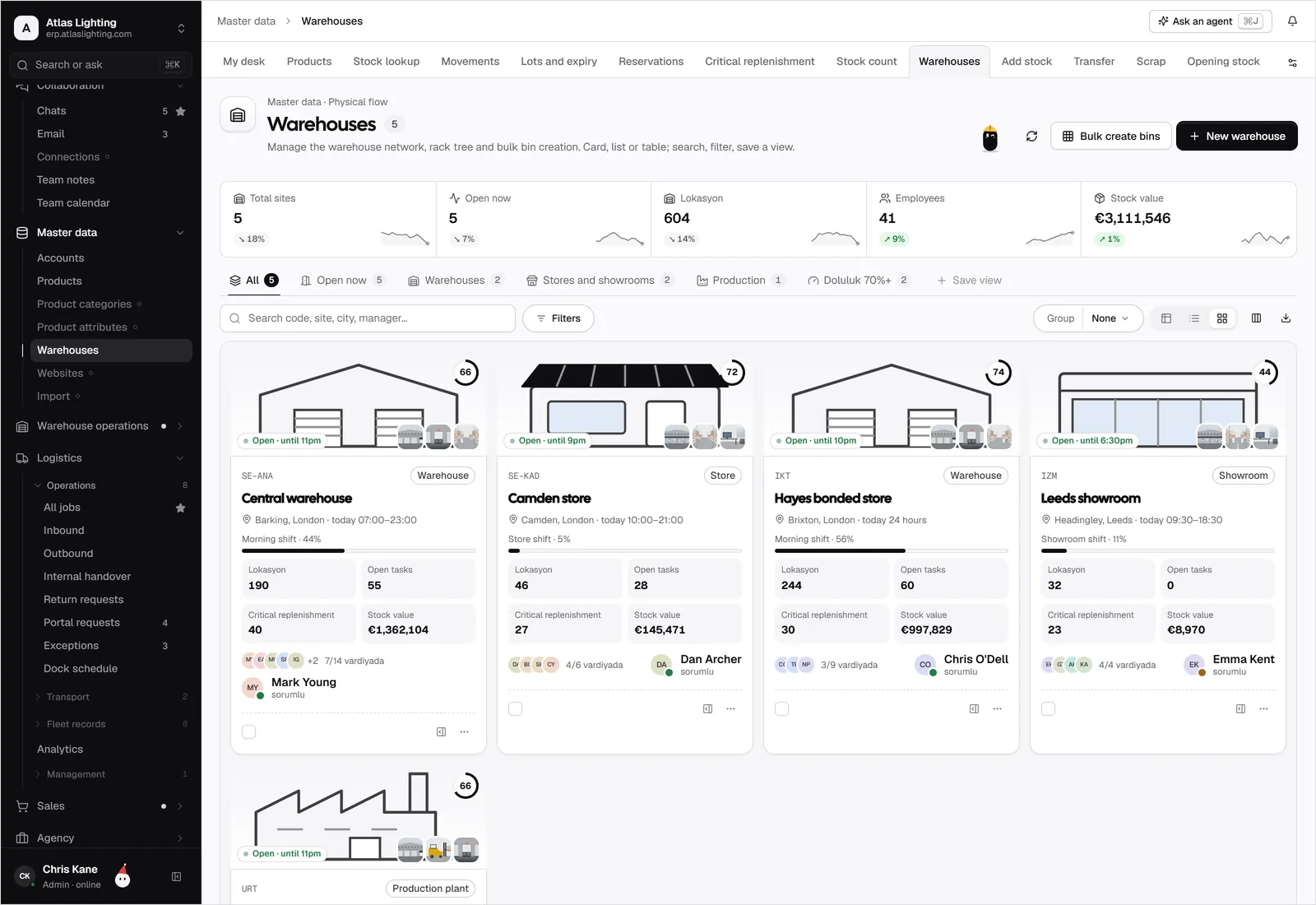
A WMS turns a physical building into a mapped, trackable space. Instead of “it’s somewhere on the left”, every item has an address, such as an aisle, rack, shelf and bin. Staff are directed to the right place, and the system records each movement.
Its main functions cover the full flow of goods:
- Receiving: check deliveries against purchase orders and book stock in.
- Putaway: direct goods to the best storage location.
- Storage: hold a live map of where everything is.
- Picking: guide staff to collect the right items for each order.
- Packing and shipping: confirm contents, print labels and hand over to carriers.
- Counting: support cycle counts and adjustments.
- Returns: receive and process returned goods.
WMS vs inventory management software
Many small businesses already use inventory software, so it helps to see the difference.
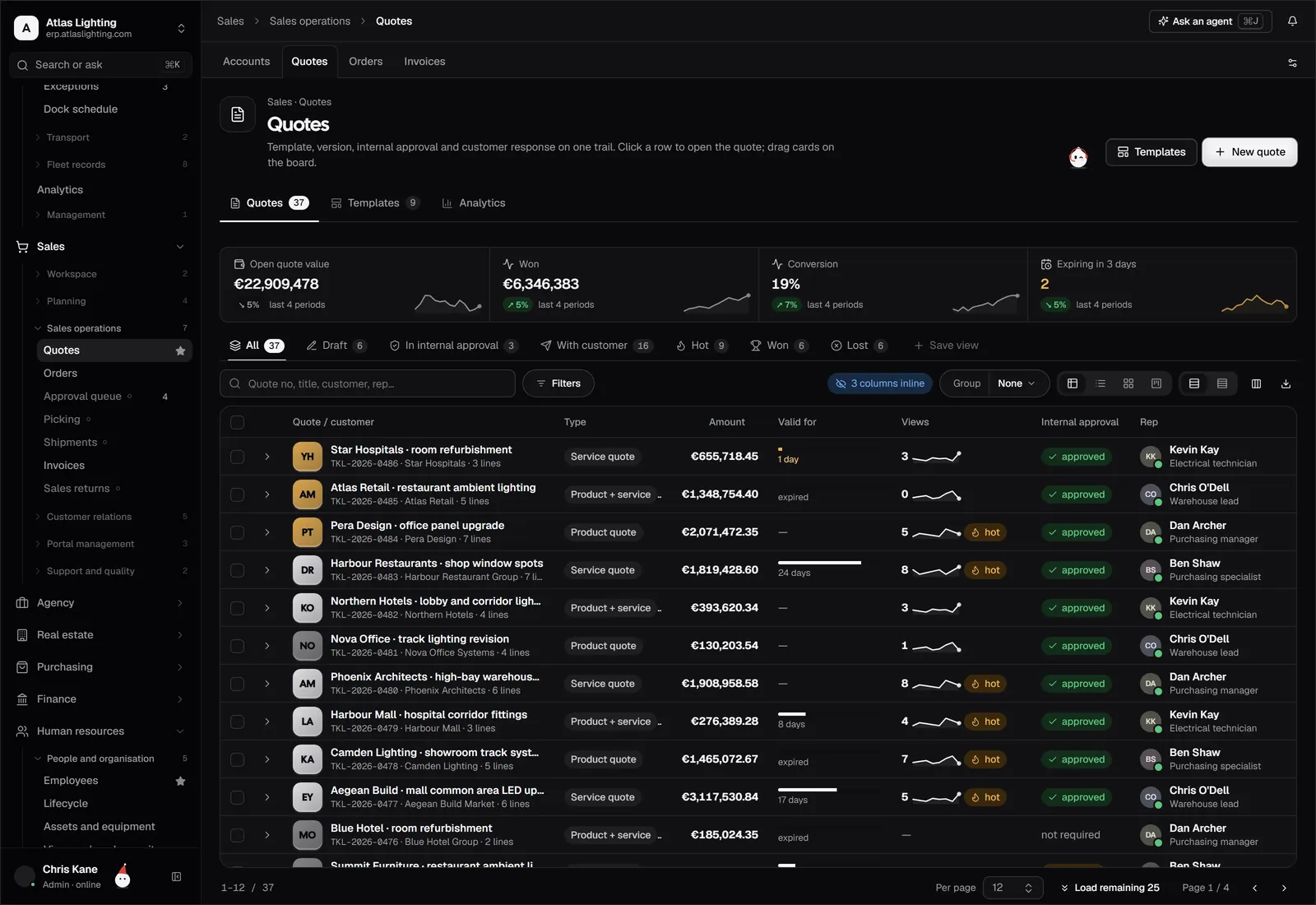
| Inventory management | Warehouse management | |
|---|---|---|
| Main question | How much do we have and when to reorder? | Where is it and how do we move it efficiently? |
| Focus | Quantities and value | Locations and tasks |
| Typical user | Buyers, planners, finance | Warehouse staff, supervisors |
| Detail level | Item and stock level | Bin, pallet, pick task |
They are closely related. A WMS depends on accurate inventory records, and good inventory software often includes basic warehouse features. The distinction is depth: a full WMS manages the work inside the building, while stock control manages the numbers.
Signs you may need a WMS
You do not need one on day one. Consider it when you notice:
- Staff walk long routes or hunt for items.
- Pick errors cause wrong shipments and returns.
- Stock counts rarely match the system.
- You use more than one storage area or site.
- Order volume is growing and training new staff is slow.
- Online and trade orders compete for the same stock.
- You need to trace batches or serial numbers.
If you recognise two or three of these, a structured approach will probably pay for itself in saved time and fewer errors.
Key features worth checking
Location management
The foundation. You should be able to define zones, racks and bins, and see exactly what is in each.
Barcode scanning
Scanning at receiving, putaway and picking reduces typing errors dramatically. Check that it works with the devices you already have, such as a phone or handheld scanner.
Pick methods
Different order profiles suit different methods. Single-order picking is simple. Batch picking collects several orders in one pass. Zone picking splits the warehouse so staff work in their own area. Choose software that supports the method you actually use.
Replenishment
Fast-moving items in pick locations run out, so the system should prompt a refill from bulk storage.
Integration with orders and purchasing
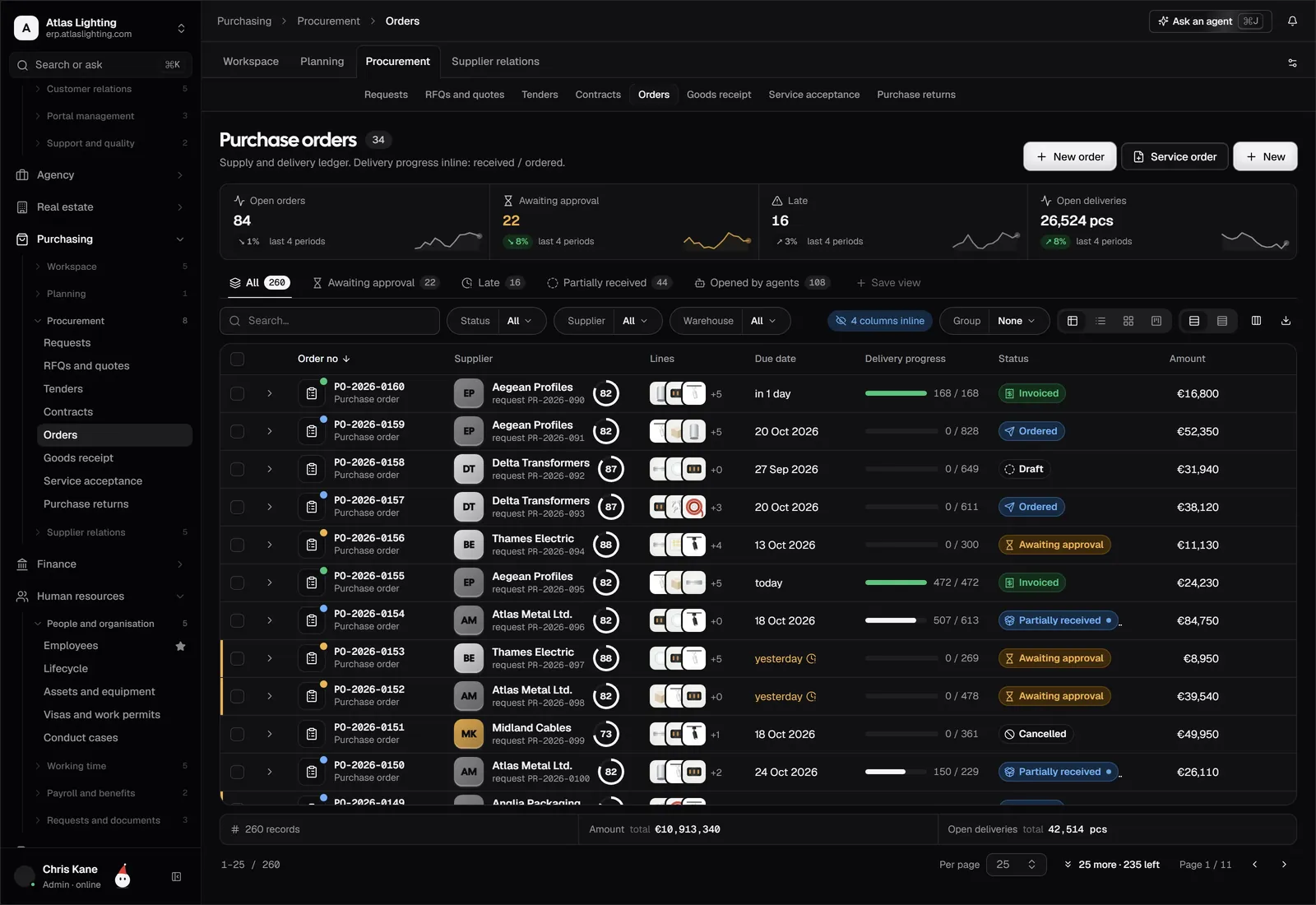
Receiving should link to purchase orders, and picking should link to sales orders. If the warehouse system stands alone, someone ends up copying data between screens.
Reporting
Look for visibility into stock by location, pick accuracy and slow-moving items.
How to choose a warehouse management system
Start with your layout and flow
Sketch your warehouse and mark where goods arrive, where they are stored and where orders leave. Note bottlenecks. The software should solve those specifically.
Be realistic about size
A twenty-person fulfilment centre and a single storeroom have different needs. Avoid enterprise systems built for huge sites if you only need clear locations and scanning.
Ask about implementation effort
A WMS needs location labels, product data and training. Ask how long onboarding takes and what you must prepare.
Look at the wider system
The warehouse is one part of the business. A WMS that connects to inventory, logistics and sales avoids duplicate entry and gives consistent numbers.
Test with real scenarios
Run a receipt, a partial pick, a transfer and a return through the demo. Real workflows reveal the gaps.
Getting started without disruption
Roll out in stages rather than all at once:
- Clean up product data and units of measure.
- Define and label locations.
- Do a full count so records start accurate.
- Begin with receiving and putaway, then add picking.
- Review pick accuracy and travel time after a few weeks.
Warehouse work and AI
Routine warehouse admin, such as spotting items below minimum levels or flagging discrepancies between receipts and orders, can be supported by an assistant. In Dika Ops, AI coworkers work inside strict permissions and ask a person to approve anything important, so your team keeps control of the physical operation.
FAQ
What is the difference between a WMS and an ERP?
A WMS focuses on warehouse tasks. An ERP covers the whole business, including sales, purchasing, finance and production, and often includes warehouse functions as a module.
Can a small business use a warehouse management system?
Yes. Many systems scale down. The key is choosing something proportionate to your size and avoiding unnecessary complexity.
Do I need barcode scanners?
Not strictly, but scanning is one of the biggest accuracy gains. Many systems work with ordinary smartphones.
How long does it take to implement a WMS?
It varies with warehouse size and data quality. Small sites may be ready in weeks if product data and locations are well prepared.
Next step
A warehouse works best when it shares data with purchasing, sales and finance. Dika Ops combines these in one system and is in closed beta. You can join the waitlist to be considered for early access.