ERP Implementation Steps: A Practical Roadmap
ERP implementation steps from scoping to go-live: how to plan, clean your data, test, train people and avoid the mistakes that derail small and mid-size projects.
The main ERP implementation steps are: define goals and scope, assemble a team, map your processes, choose the system, clean and migrate data, configure, test, train people, go live and then improve. Most failed projects do not fail on technology. They fail on unclear scope, poor data and too little involvement from the people who will use the system every day. This roadmap shows what to do, in order.
Step 1: Define why you are doing this
Write down the problems you want to fix, in plain language. “We oversell stock”, “month-end takes nine days”, “nobody knows the true margin on a job”. Each problem should have a way to tell whether it improved.
Keep the list short. Three to five goals are manageable; fifteen means nothing gets finished.
Step 2: Set scope and appoint owners
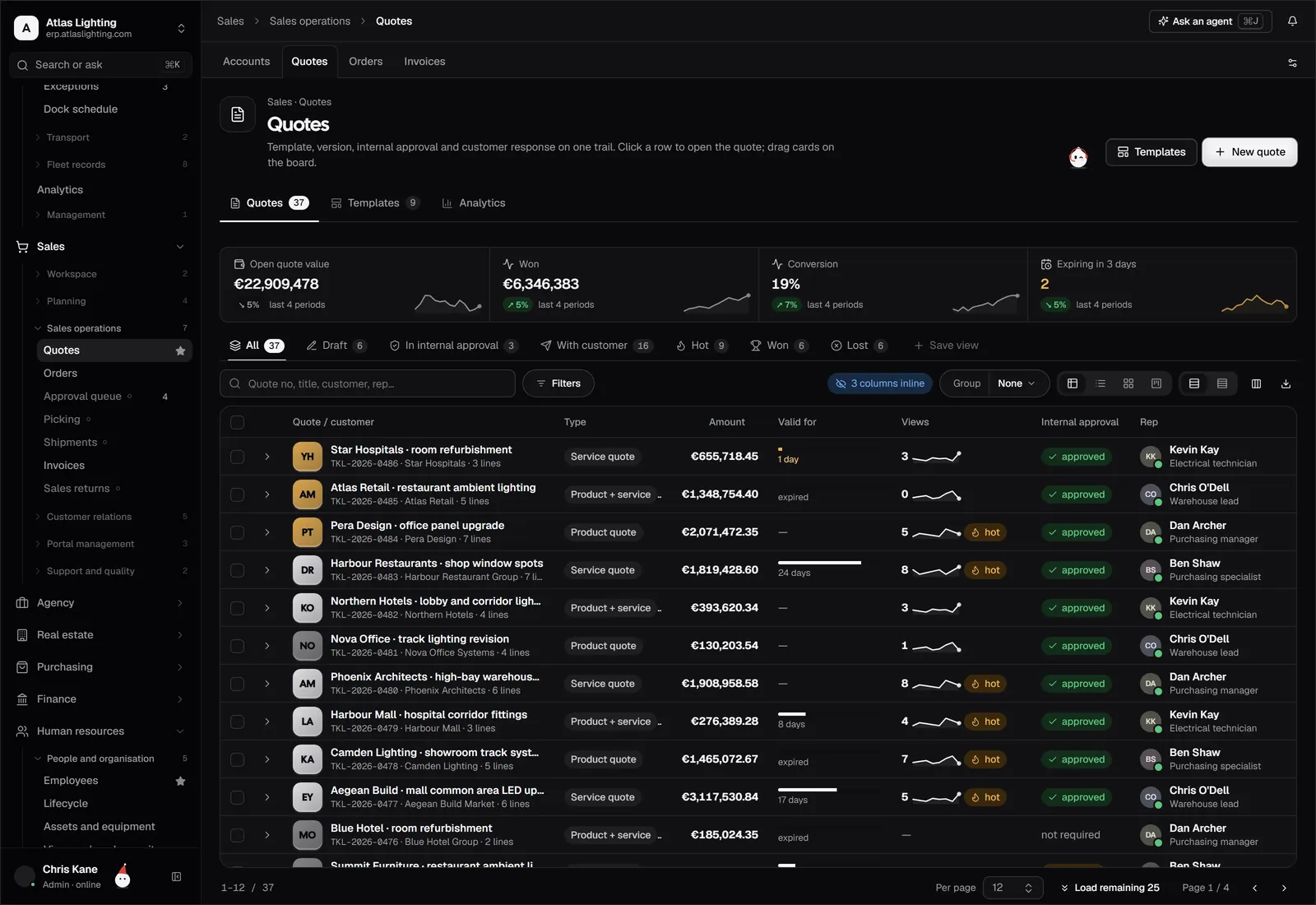
Decide which processes and which locations are in the first phase. A common and sensible choice is to go live with the core flow (sales, purchasing, stock, invoicing) and add later modules afterwards.
Appoint:
- A project sponsor with authority to decide and to say no.
- A project lead who has real time allocated, not a side task.
- Process owners from sales, purchasing, warehouse, production and finance.
- A data owner responsible for the quality of items, customers and suppliers.
Step 3: Map your current processes
Before picking software, document how work really happens: who creates a quote, how a purchase is approved, how stock is counted, how invoices are raised. Include the exceptions. This map becomes your test script later.
Ask a second question for each step: is this necessary, or is it a workaround for a weakness in your old tools? Do not automate a bad process.
Step 4: Choose the system
Turn your map into a requirements list and divide it into must-have and nice-to-have. Then:
- Shortlist two or three systems.
- Give each vendor your own scenarios to demonstrate.
- Involve the daily users in the demo.
- Ask about implementation approach, support, security, backups and what happens to your data if you leave.
- Compare the deployment options: cloud or on-premise.
- Understand the full cost, not just the licence or subscription: services, data work, training and support.
Step 5: Plan the project
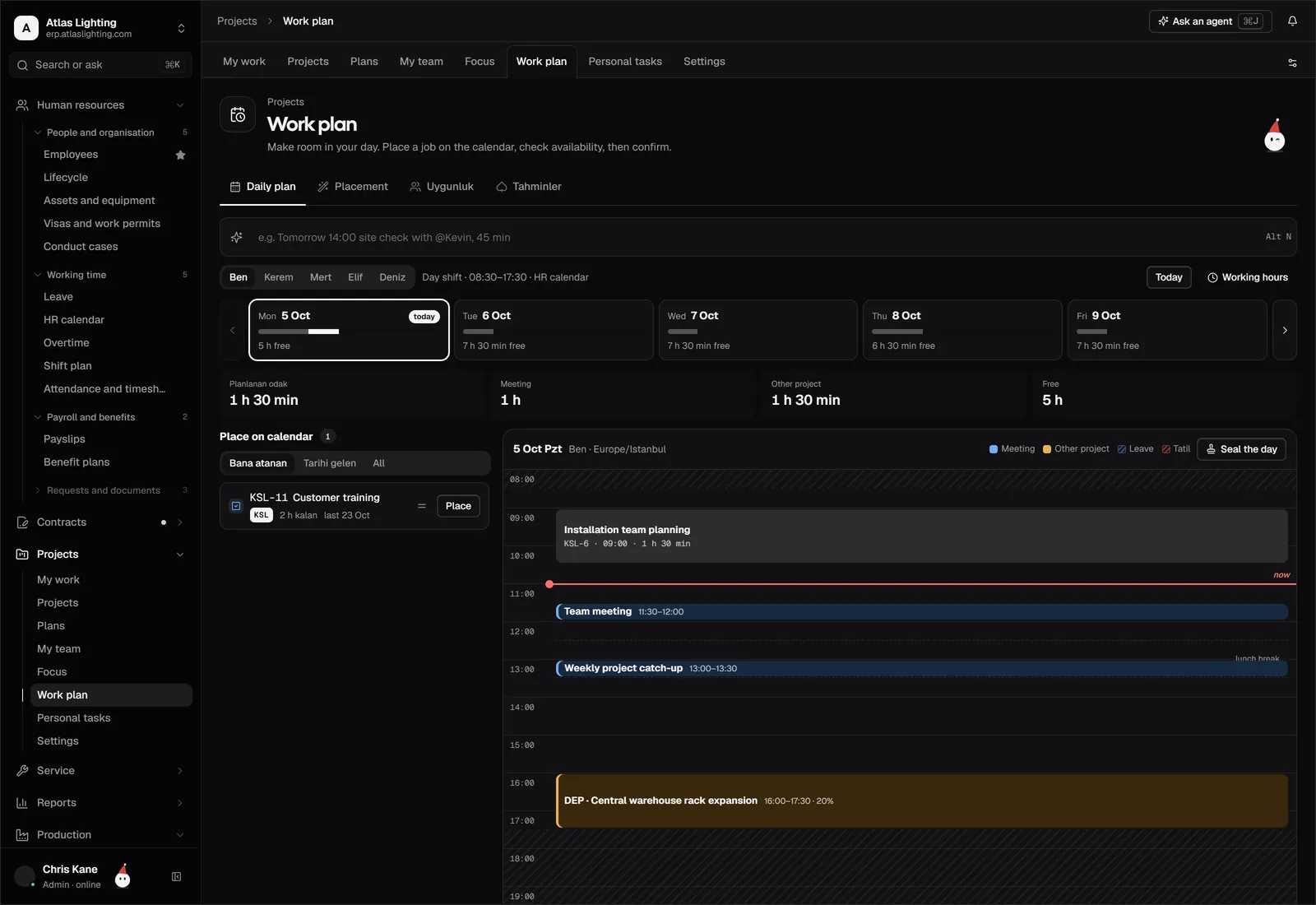
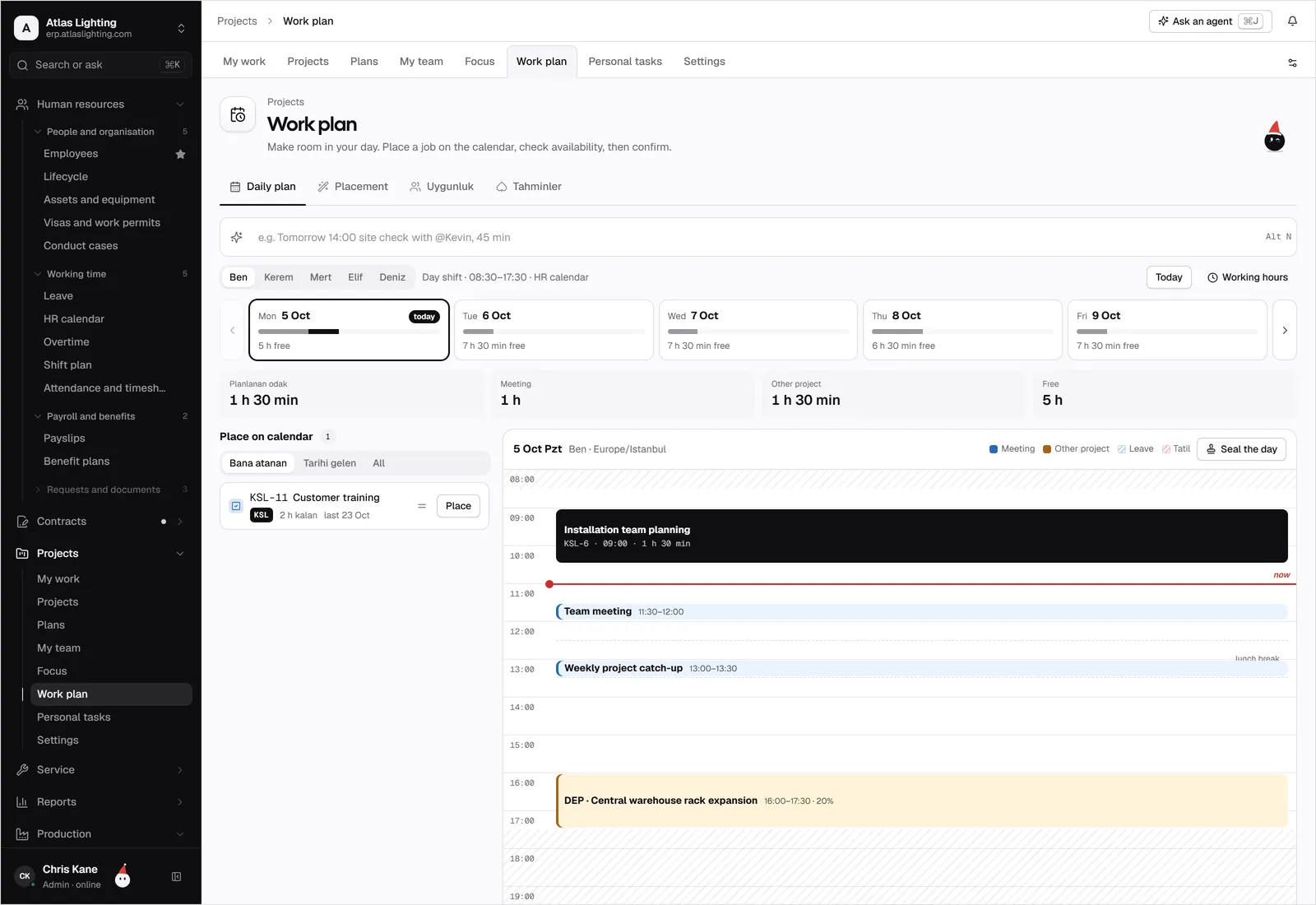
A realistic plan has phases, owners, dates and dependencies, and it includes time for the business to keep running. Build in buffer around month-end, stock-take and peak season. Agree how decisions are made and how scope changes are handled.
A simple structure:
| Phase | Typical content |
|---|---|
| Prepare | Goals, scope, team, plan |
| Design | Process decisions, configuration choices, data mapping |
| Build | Configuration, integrations, data cleaning |
| Test | Scripted tests, user acceptance, migration rehearsals |
| Train | Role-based training, guides |
| Go live | Cut-over, hypercare |
| Improve | Review, adjust, add modules |
Step 6: Clean and prepare your data
Data is the part everyone underestimates. Decide what you will migrate and what you will leave behind.
- Master data: items, customers, suppliers, price lists, units of measure, bills of materials.
- Opening balances: stock quantities and values, open orders, open invoices, bank and ledger balances.
- History: usually summarised or archived rather than fully imported.
Remove duplicates, fix units, agree naming rules and have the data owner sign off.
Step 7: Configure and integrate
Set up the company structure, numbering, tax setup, roles and permissions, approval rules and document templates. Start with standard settings. Customisation adds cost, slows upgrades and tends to be needed less than people expect.
Configure permissions carefully: decide who can create, approve, change prices, post and delete. Segregation of duties is a basic control, and it is easier to design at the start than to retrofit.
Step 8: Test properly
Testing has three layers:
- Functional tests on individual features.
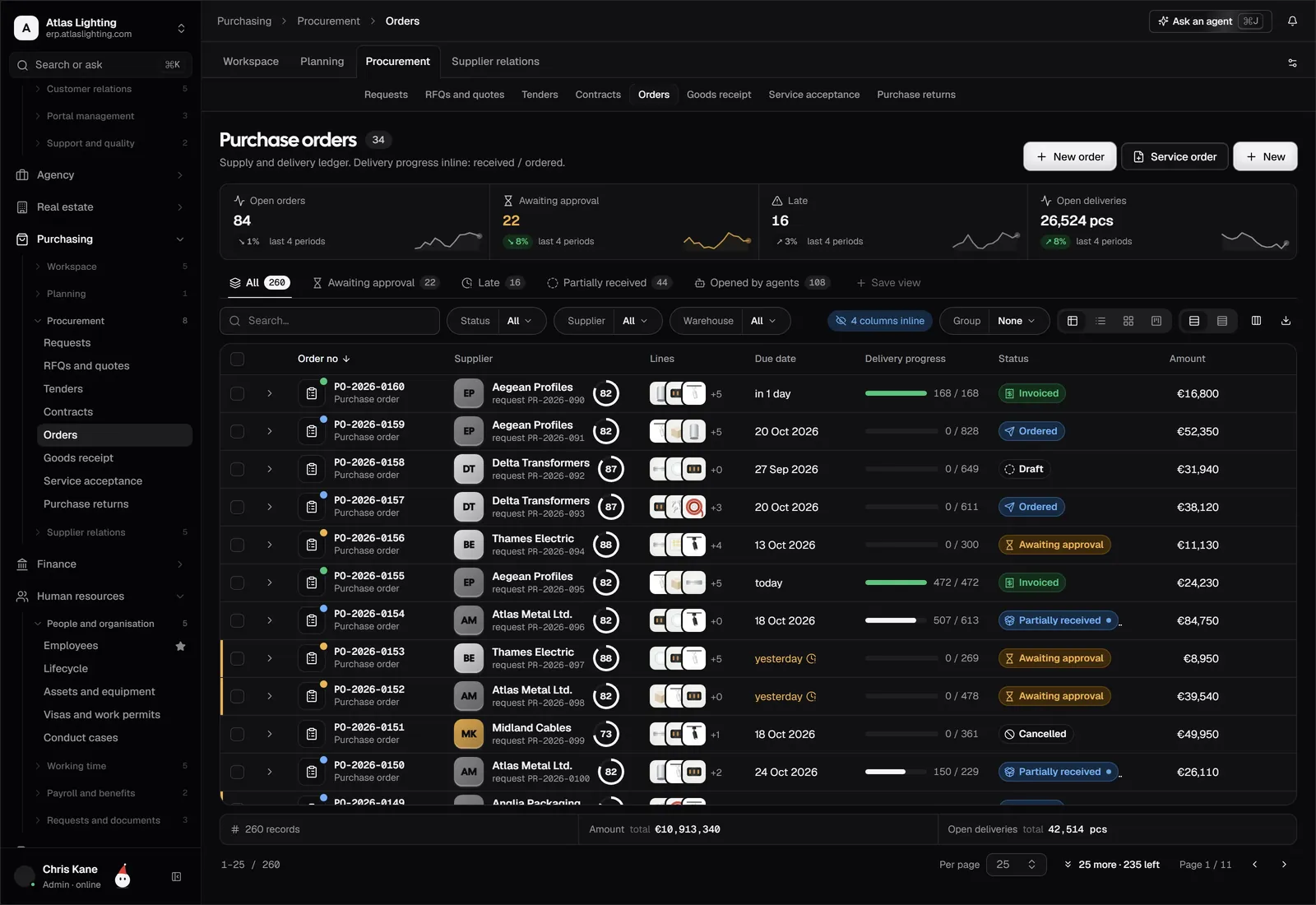
- Process tests that follow a complete flow, such as quote to cash and request to pay.
- User acceptance tests where the people who will use the system run realistic scenarios using migrated data.
Run at least one full migration rehearsal. Compare stock values, receivable totals and payable totals against your old records. Log every defect, rank it and decide what must be fixed before go-live.
Step 9: Train people
Train by role, using your own data and your own scenarios. A buyer needs the purchasing flow, not the whole product. Record short guides for tasks people will do once a month. Identify a few confident users who can help colleagues in the first weeks.
Step 10: Go live
Choose a date that avoids your busiest period. Agree a cut-over plan: stop entering data in the old system, take final extracts, load balances, check them, then open for business. Keep the old system read-only for reference.
Plan hypercare, a period when the project team is on hand for quick fixes. Expect questions and small issues; that is normal.
Step 11: Review and improve
After a few weeks, review against the goals from step 1. What is faster, what is still manual, where do users struggle? Then plan phase two, whether that is a new module, more automation or additional sites.
Common pitfalls
- Scope creep. Every “while we are at it” adds weeks.
- No decision maker. Open questions pile up and the schedule slips.
- Under-resourced project lead. Implementation cannot be done only in spare time.
- Skipping testing. Problems found by customers are far more expensive than problems found in rehearsal.
- Forgetting change management. People need to know why the change is happening and what is in it for them.
FAQ
How long does an ERP implementation take?
There is no honest single answer. It depends on scope, data quality, the number of sites and users, and how much you customise. A smaller, phased project is generally faster and safer than trying to do everything at once.
Who should be on the ERP project team?
A sponsor, a dedicated project lead, a process owner from each affected department, a data owner and, ideally, one or two end users who will challenge the design from a practical angle.
Should we run the old and new systems in parallel?
Parallel running doubles the workload and can create confusion about which system is correct. Many companies prefer a clean cut-over with thorough rehearsal, then keep the old system read-only for lookup. Choose the approach that fits your risk tolerance.
What is the most common reason ERP projects go wrong?
Unclear scope and poor data are the usual culprits, closely followed by insufficient involvement from the people who use the system daily.
Next step
Dika Ops is designed so small and mid-size companies can run sales, purchasing, stock and finance in one place, with AI coworkers to take on routine work under human approval. It is in closed beta, and you can join the waitlist.